
Slate Pages requires a user account if you plan on making changes to your slates, or if you want to see data that is only accessible to a Stack. This article will show you how to create a profile if you don't have one yet, and how to log in, both on
Before We Begin
It will be helpful to have the app installed on your device. You can use the download links below:
If you plan on working within the dashboard, you can access it at:
Create a User Account in the App
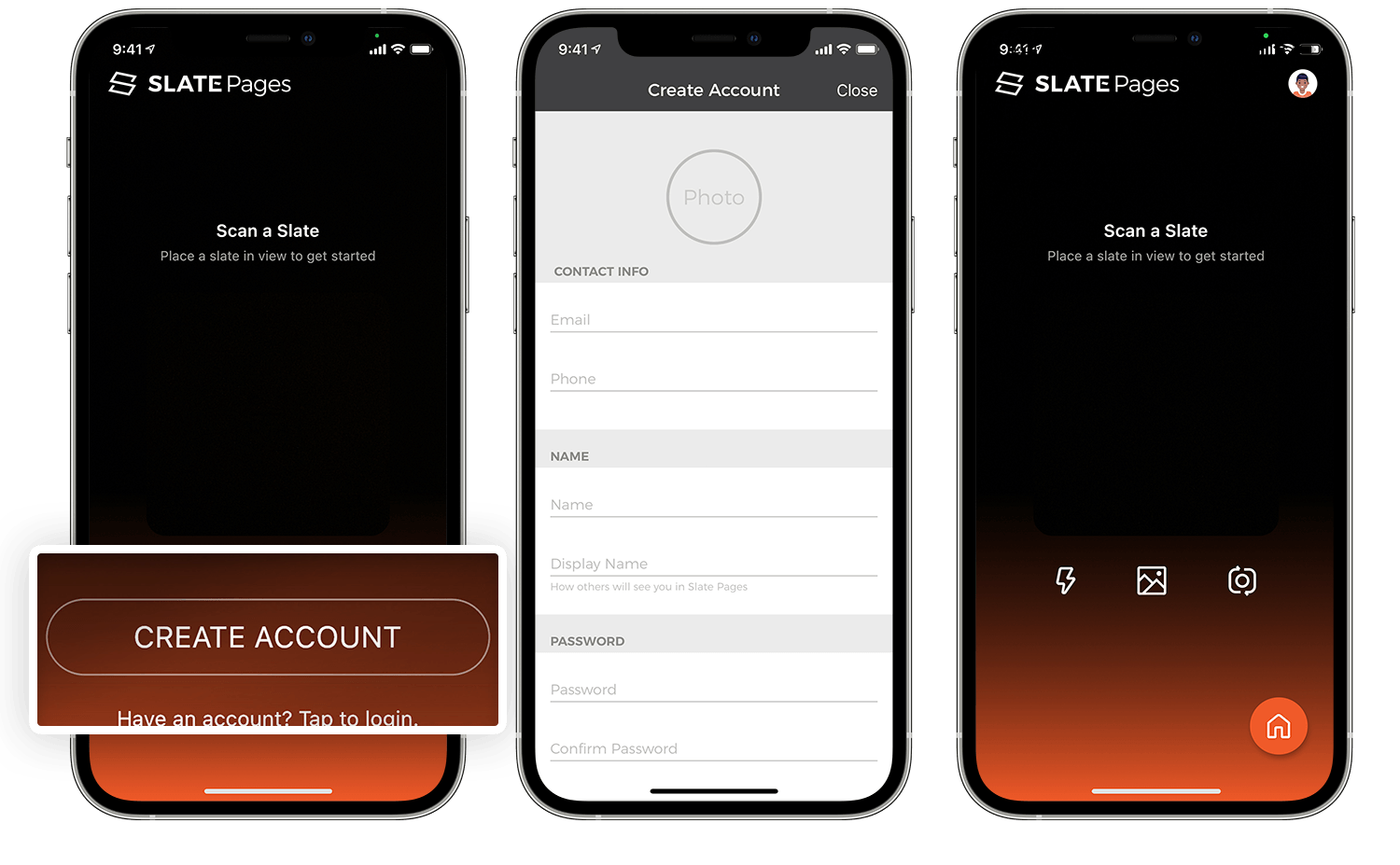
To create your user account in the app, follow these steps:
- Open the app, and tap Create Account at the bottom of the screen.
- Fill out your profile information and save. You can use email or phone to log in.
- Once logged in, you'll see your avatar at the top right (a photo, if you provided one), and the home button at the bottom-right of the screen.
Create a User Account in the Dashboard
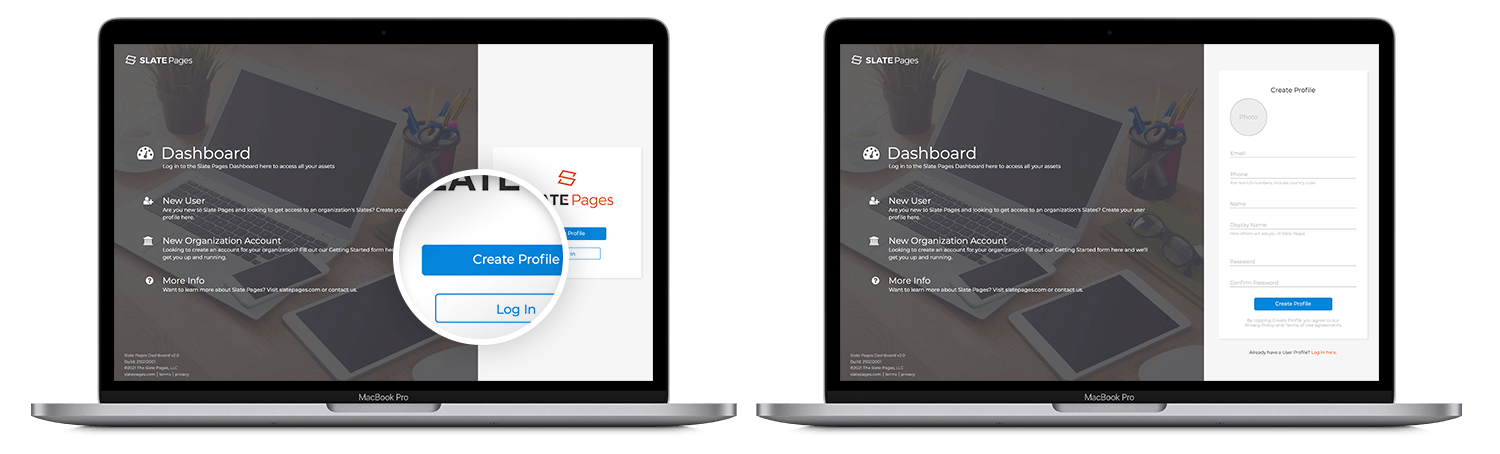
To create your user account in the dashboard, follow these steps
- Navigate to https://dashboard.slatepages.com
- Click on Create Profile
- Fill out your profile information and save. You can use email or phone to log in.
Logging in if you already have an account
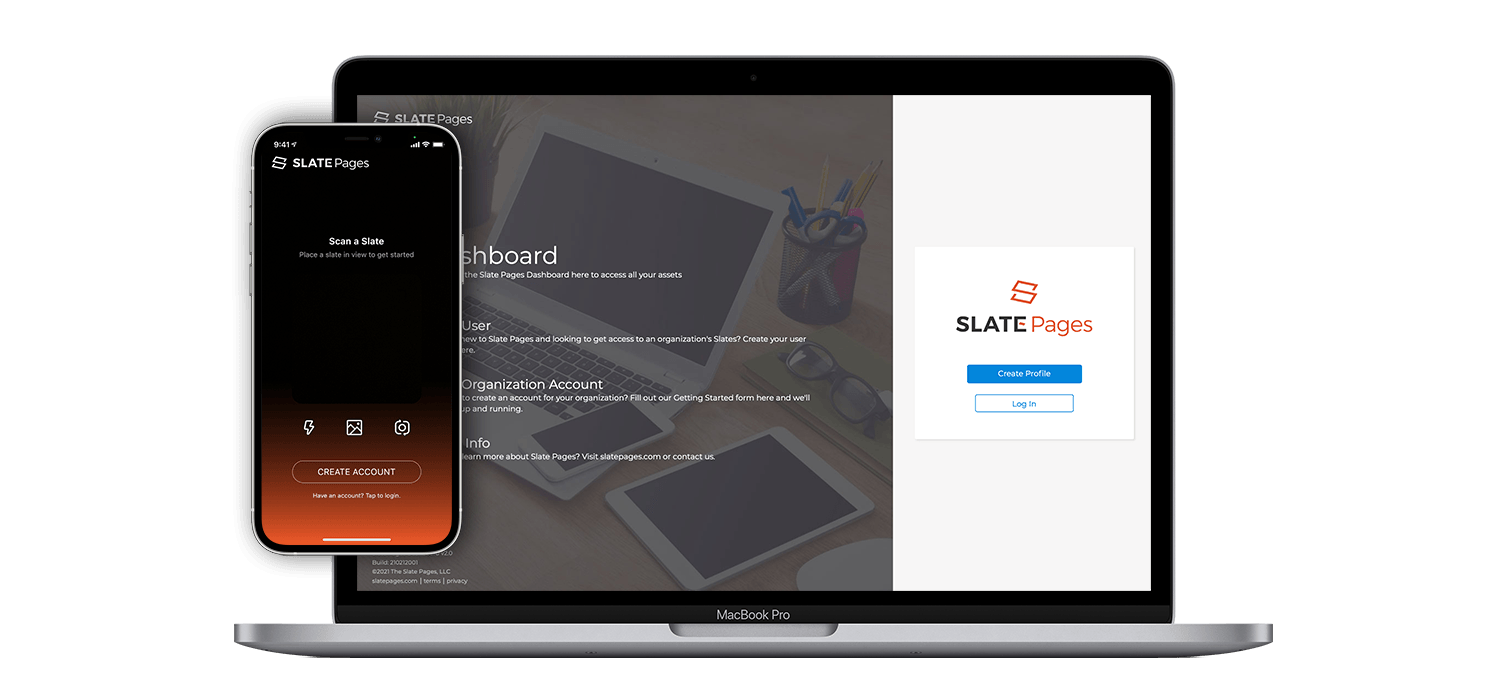
If you already have an account, and you are not logged in, you can log in from the main screens of the app and dashboard.
- On the app, tap on Have an account? Tap to login located at the bottom of the screen.
- On the dashboard, click on Log In
Problems logging in
If you're having trouble logging in, try these steps:
| Issue | How to Resolve |
| Can't remember password |
You can reset your password from the app or dashboard. Navigate to the login page on either device, and follow these steps:
|
| Can't remember email or phone number |
If you're not sure what email or phone number you used when you set up you account, you can try resetting your password.
|
| My issue is not listed here |
Not a problem! Get in touch with us and we'll get you fixed up. https://slatepages.com/contact-us |